
Astro + Tailwindcss + TypeScriptでインストールする方法
Astroとは
Astroは軽量な静的サイトジェネレーターとして注目されているwebフレームワークです。
ブログやポートフォリオ、マーケティングサイトなど、SEOとパフォーマンスが重要なプロジェクトに向いています。
執筆時点での環境
- node.js:20.17.0
- npm :10.8.2
- VScode
Astro公式ページ
Astroプロジェクトの作成
ターミナルで以下のコマンドの実行をする
npm create astro@latestNeed to install the following packages:
create-astro@4.9.0
Ok to proceed? (y)「y」と入力して「enter」で次へ
移行は対話式で進んでいきます。
自分の環境に合わせて適宜選択していきます。
astro   Launch sequence initiated.

dir   Where should we create your new project?
      ./astro-ts-tailwind-example

tmpl  How would you like to start your new project?
      Include sample files

ts    Do you plan to write TypeScript?
      Yes

use   How strict should TypeScript be?
      Strict

deps  Install dependencies?
      Yes

git   Initialize a new git repository?
      Yes
インストールが完了したら念の為に起動して確認します。
以下のコマンドを実行しVScodeを起動します。
以降はエディター上のターミナルを使ってやっております。
cd インストール時に入力したディレクトリ
code .
以下のコマンドのどちらかで開発用のローカルサーバーを立ち上げます。
初期状態であればどちらでも一緒になっていると思います。
URLの部分をクリックすればブラウザで確認できると思います。
npm start OR npm run dev> astro-ts-tailwind-example@0.0.1 start
> astro dev
18:33:28 [types] Generated 3ms
astro v4.15.7 ready in 122 m
┃ Local http://localhost:4321/
┃ Network use --host to expose
18:33:28 watching for file changes...
18:33:45 [200] / 6ms画像のように表示されればとりあえず問題なし
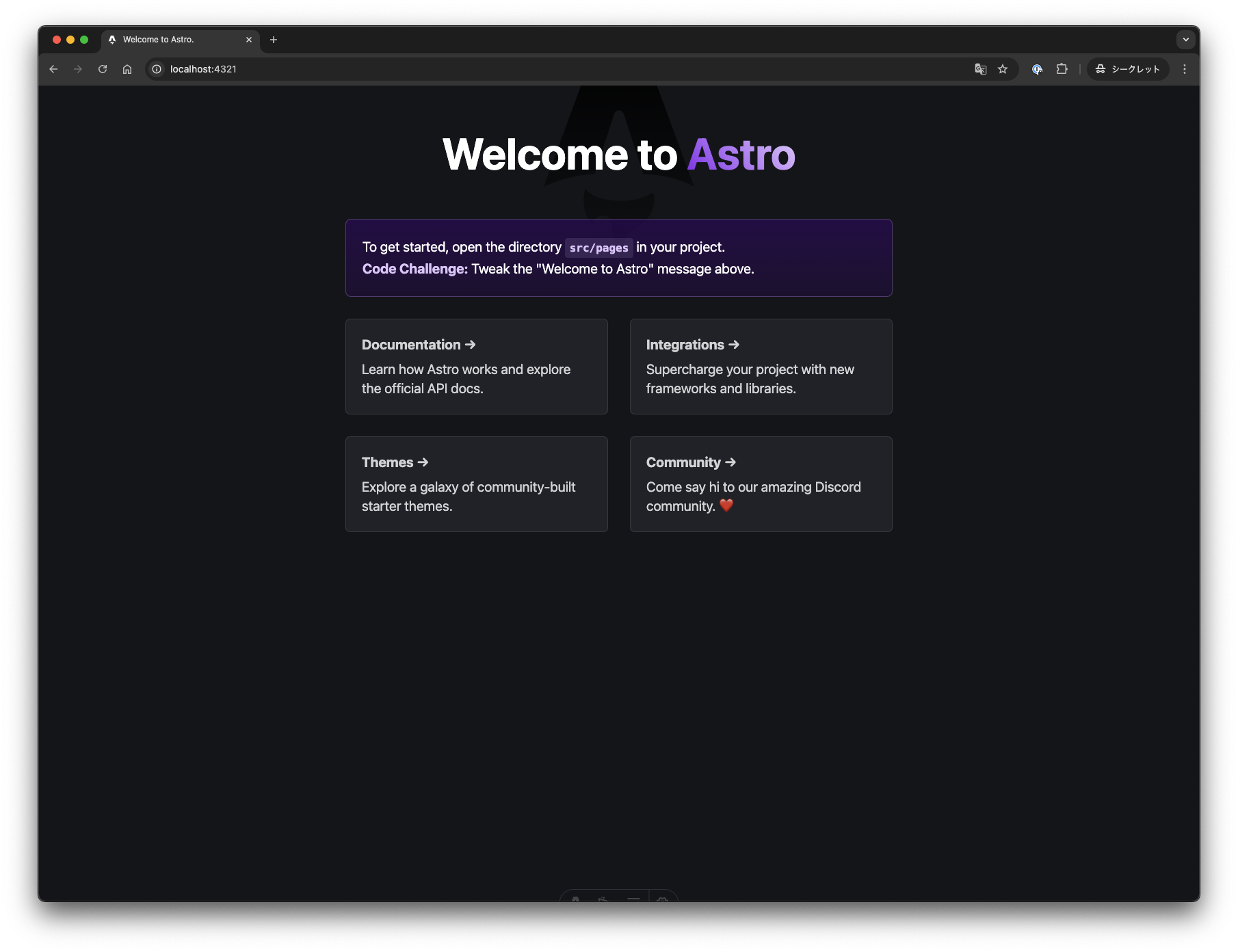
Maccontrol + CWinCTRL + Cでサーバーを終了します。
Tailwind CSS
Tailwind CSSは効率的なスタイリングができるユーティリティファーストのCSSフレームワークです。
Tailwind CSSにはAstro用の専用のコマンドが用意されているのでコマンドを打ってインストールします。
https://tailwindcss.com/docs/guides/astro
✔ Resolving packages...

Astro will run the following command:
If you skip this step, you can always run it yourself later

╭───────────────────────────────────╮
│ npm install @astrojs/tailwind@^5.1.1 tailwindcss@^3.4.12 │
╰───────────────────────────────────╯

✔ Continue? … yes
✔ Installing dependencies...

  Astro will generate a minimal ./tailwind.config.mjs file.

✔ Continue? … yes

  Astro will make the following changes to your config file:

 ╭ astro.config.mjs ─────────────────╮
 │ // @ts-check                               │
 │ import { defineConfig } from 'astro/config'; │
 │                                              │
 │ import tailwind from '@astrojs/tailwind';    │
 │                                              │
 │ // https://astro.build/config                │
 │ export default defineConfig({                │
 │   integrations: [tailwind()]                 │
 │ });                                          │
 ╰── ─────────────────────────╯

✔ Continue? … yes

  success  Added the following integration to your project:
  - @astrojs/tailwind
上記のように対話式なっているので全て「yes」で問題ないと思います。
適当なファイルでテストしてみます。
<p class="bg-slate-600">インストールテスト</p>中身はなんでもいいですが編集してnpm startでローカルーサーバーを立ち上げて確認する。
おわりに
今回の作業はここまでです。
ここまでの作業だけでも普通に作る分には特に問題ないかとは思いますが
prettierやmarkuplint, eslintなどを導入してさらに使いやすくしていこうと思います。